Frequently Asked Questions

Is the Gemini watermark remover guaranteed to work?
No. The Gemini watermark remover and Nano Banana watermark remover are provided for educational and demonstration purposes only. The tool tries to disrupt internal watermark patterns in some AI images, but results can vary. Different models, versions, and detection methods behave differently, so you should never treat the output as guaranteed. You are responsible for testing results with your own tools where allowed.
Does Gemini add SynthID watermarks to images?
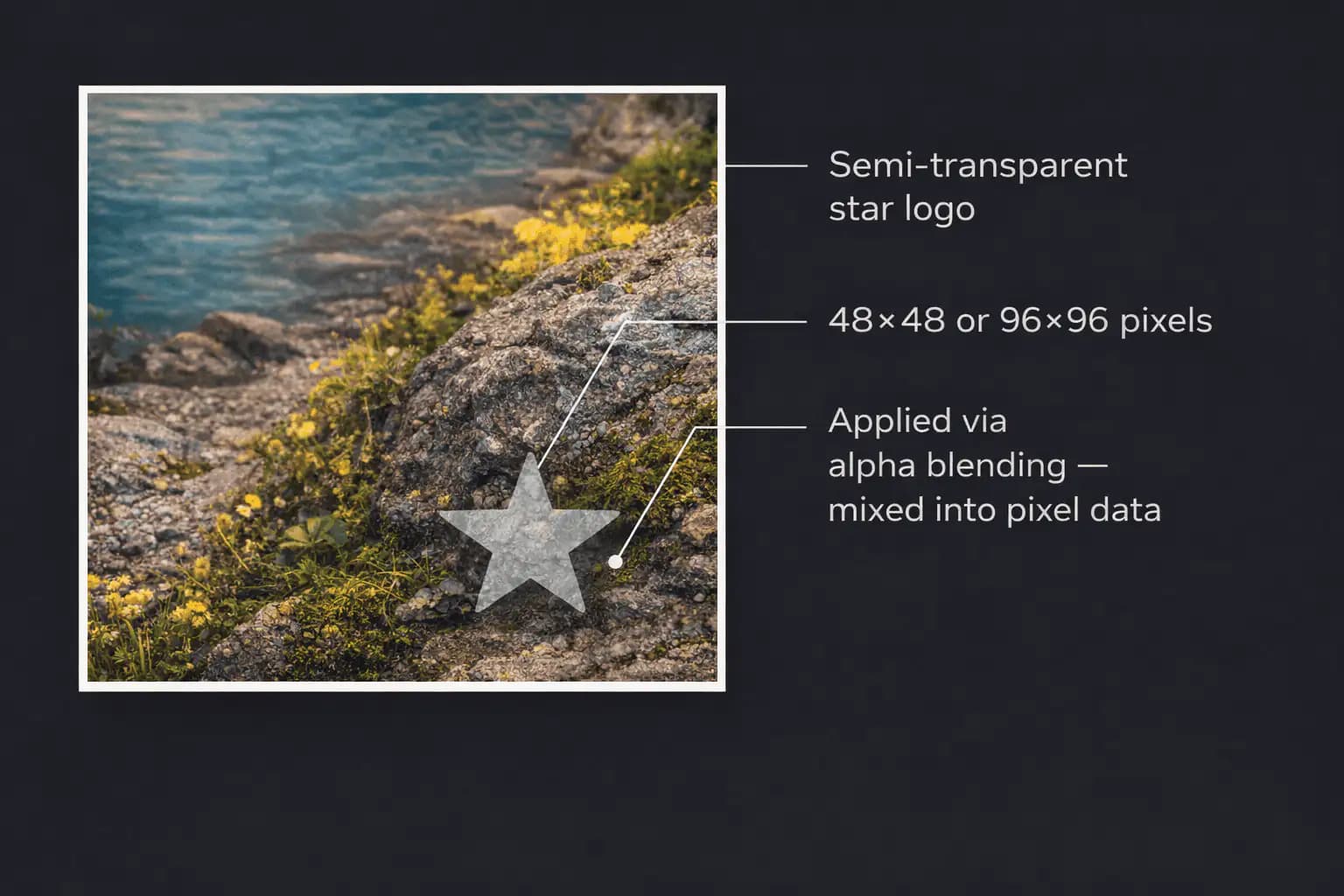
Yes. Google's Gemini model uses SynthID technology from Google DeepMind on AI-generated images. These identifiers are embedded inside the image data and are invisible to you, but may be readable by compatible verification tools.
How does the Gemini watermark remover work in general?
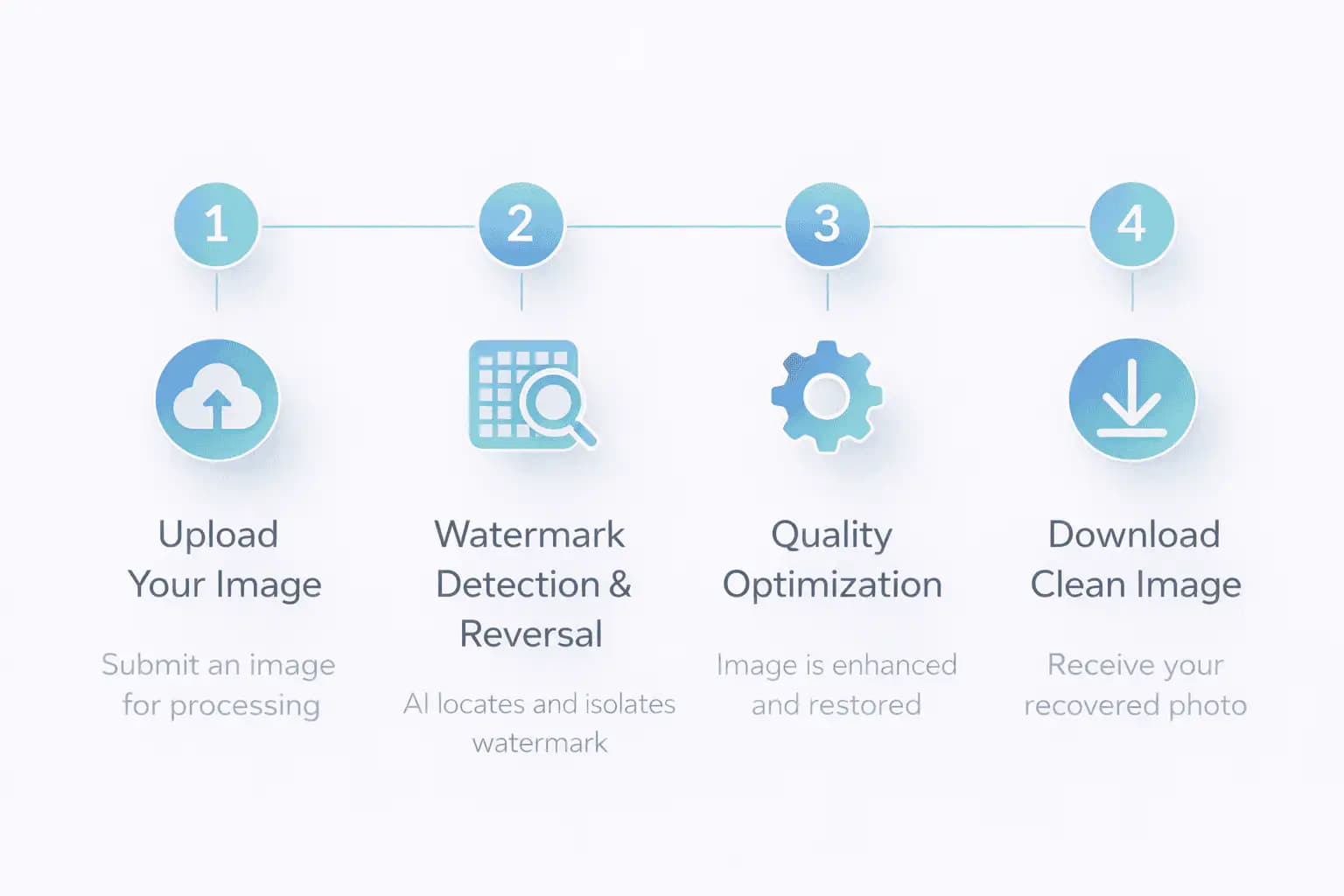
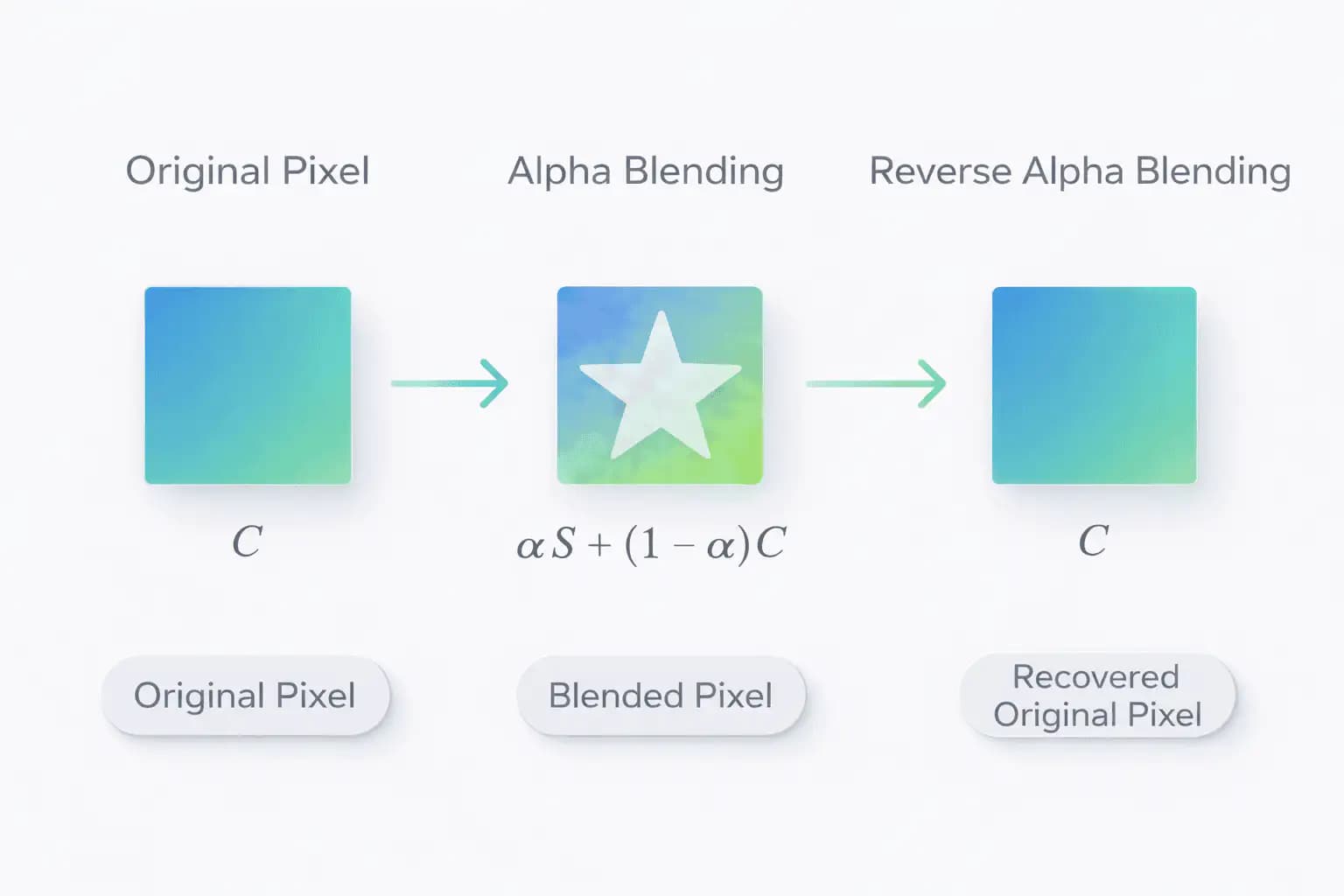
The Gemini watermark remover processes your image in the browser and applies small, automatic adjustments to the pixels. These changes are designed to keep the image looking the same to your eye while slightly altering internal patterns. AISEO does not change your licensing rights or ownership; it only transforms the file you upload.
Are the visual changes visible to the human eye?
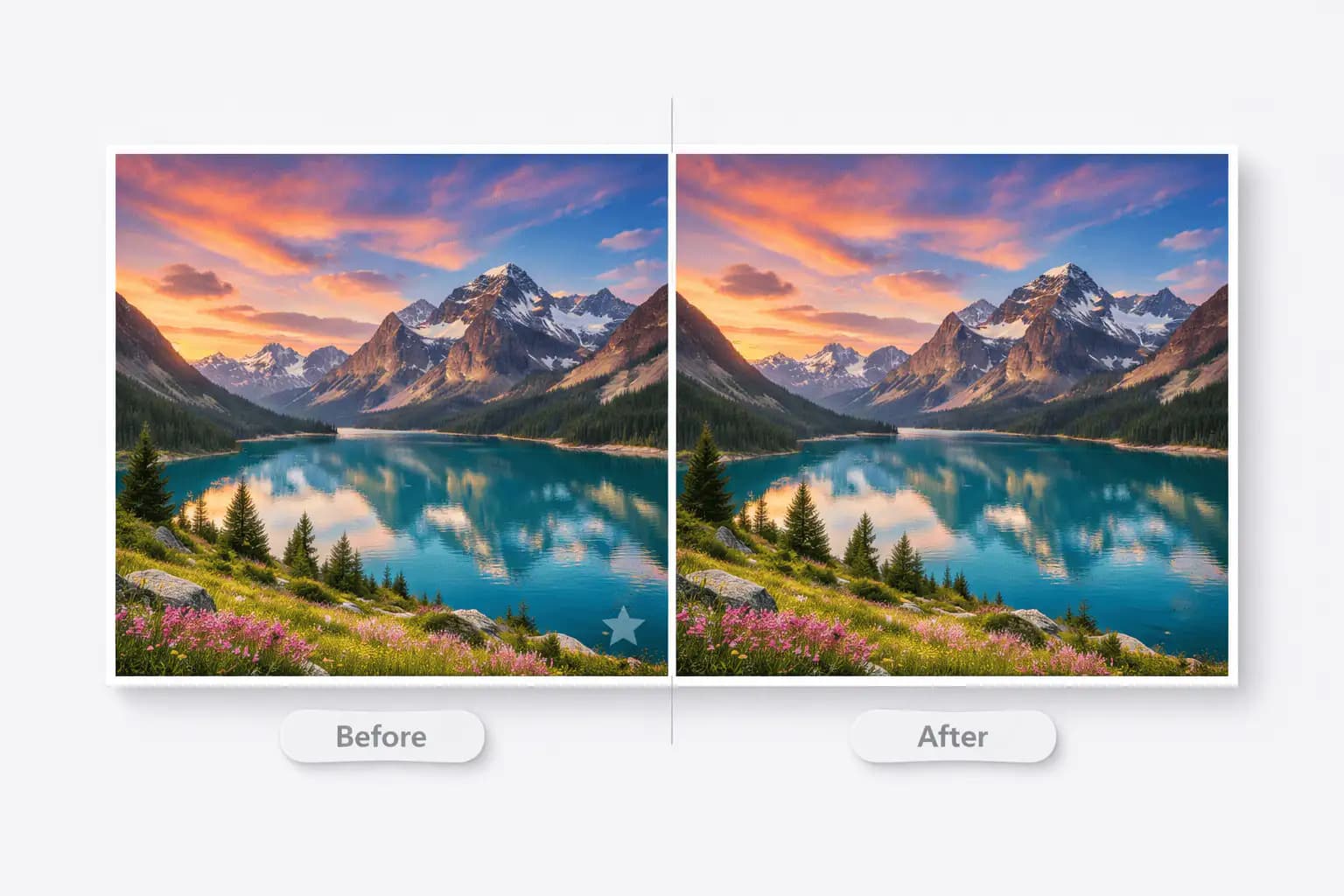
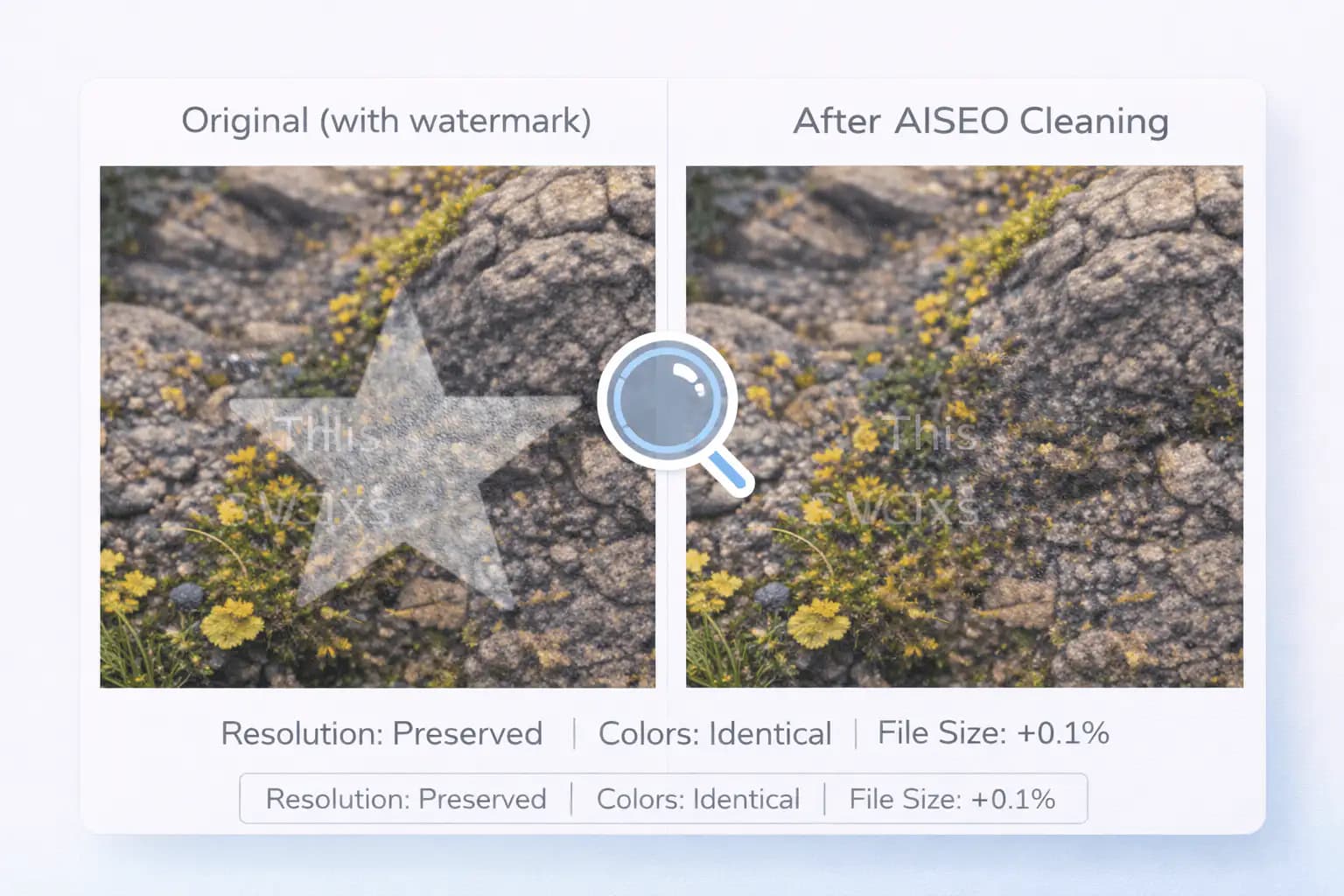
In normal use, no. The tool is designed so that the processed version looks the same as the original in size, color, and clarity. You should still compare before and after images if your project has strict quality requirements.
What formats do you support?
You can use:
  • JPEG / JPG
  • PNG
  • WebP
The output format matches the input format. A JPEG stays JPEG; a PNG stays PNG, and transparency is preserved for PNG/WebP where supported.
Does this also work as a Nano Banana watermark remover?
Yes. If your images come from Nano Banana or a similar Nano-style model, you can run them through the Nano Banana watermark remover in the same way. Internally, the pipeline is the same: browser-based processing with a focus on visual quality and privacy. Effectiveness still depends on how that model embeds its own identifiers.
Do you upload my images to any server?
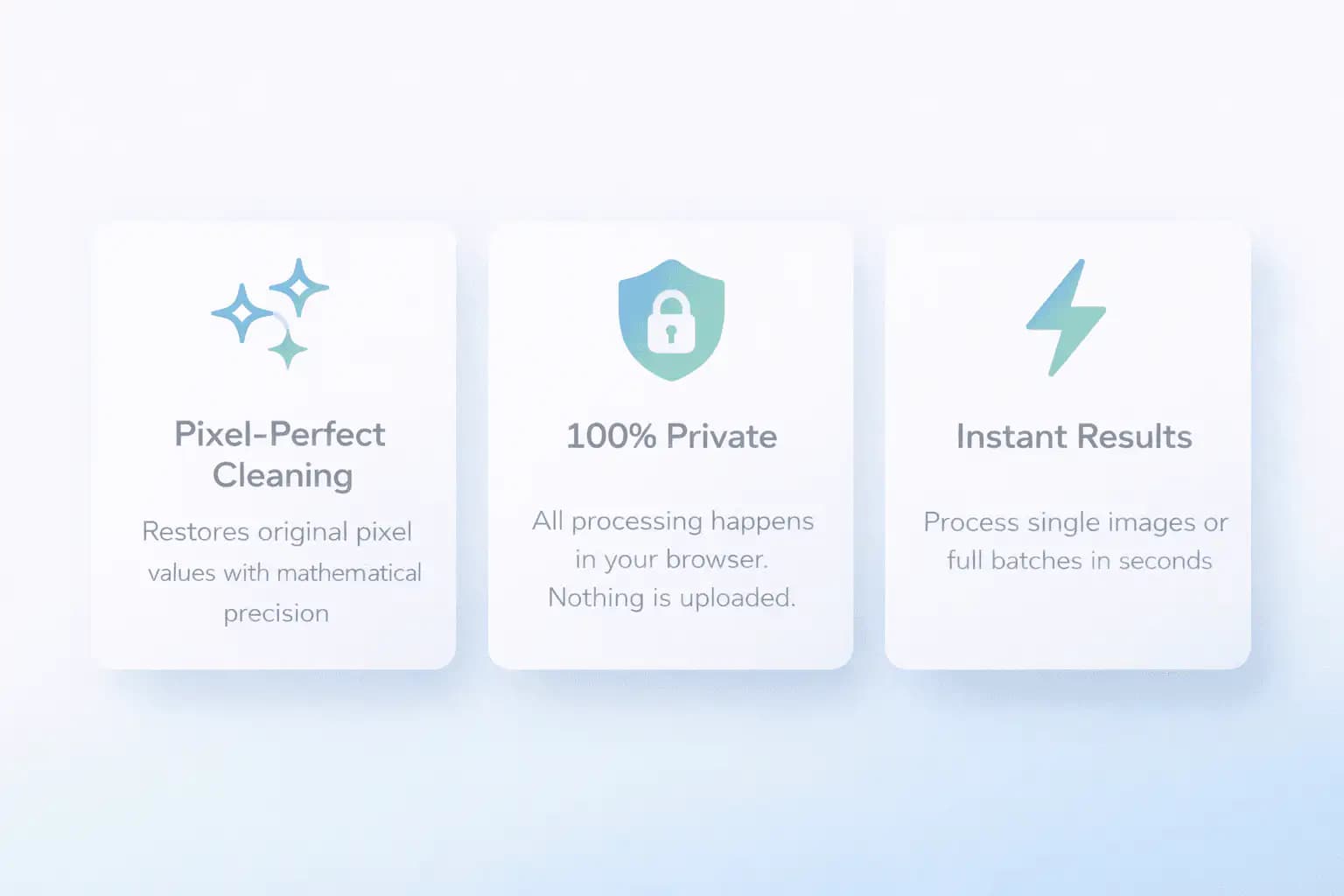
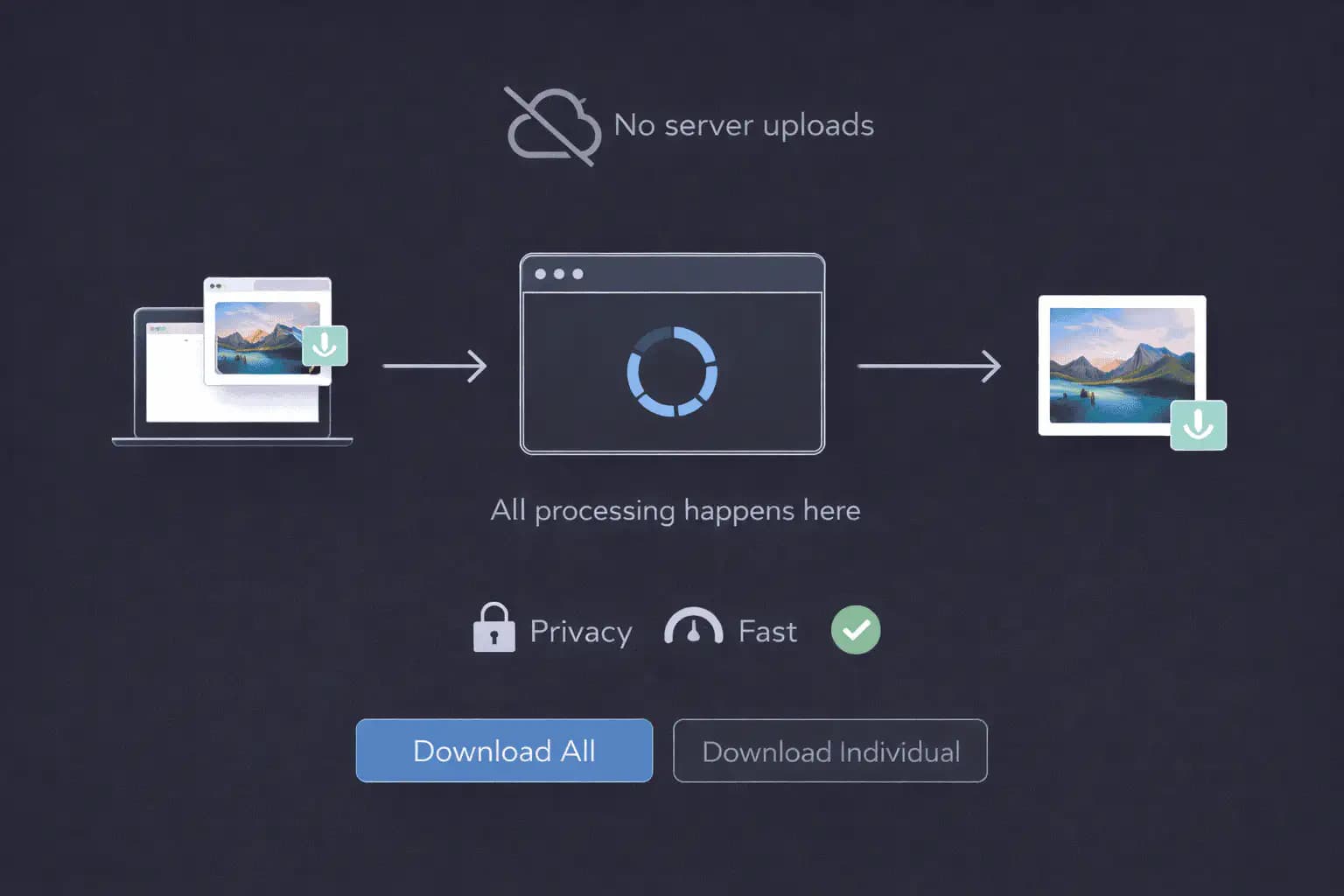
No. All processing happens inside your browser using standard web APIs. Your files are not sent to AISEO servers, third-party services, or cloud storage. Once you close the tab, the processed data is gone unless you save the exports yourself.
Can I process multiple Gemini images at once?
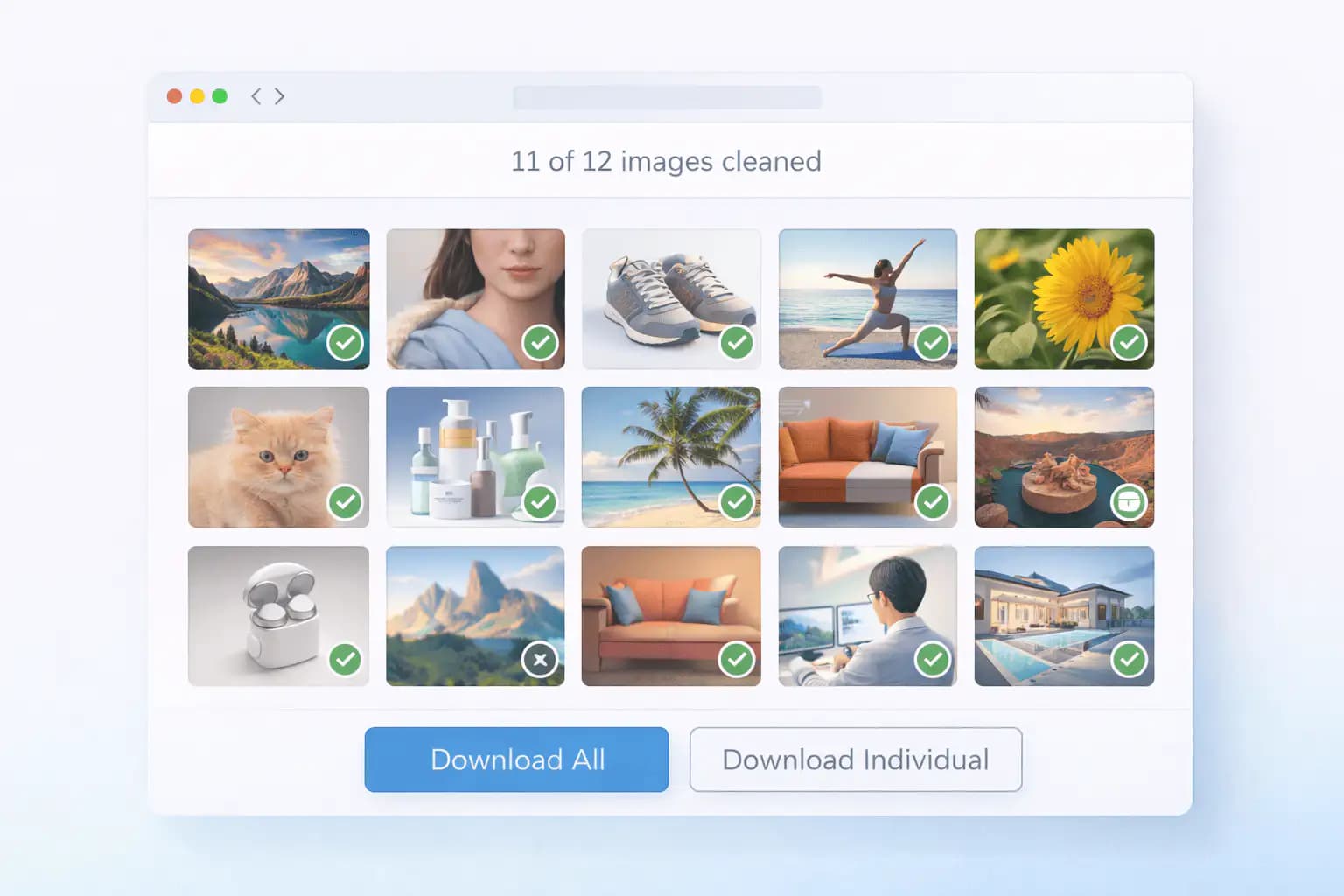
Yes. You can upload more than one image and run them in a single batch. This is useful when you manage a folder of Gemini or Nano Banana images and want consistent output. Very large batches may depend on your device memory and browser performance.
How long does processing take?
It depends on:
  • Image size
  • Number of images
  • Your device and browser
Small to medium images usually process within a few seconds. Very large files or big batches will naturally take longer.
Will this hurt my image quality?
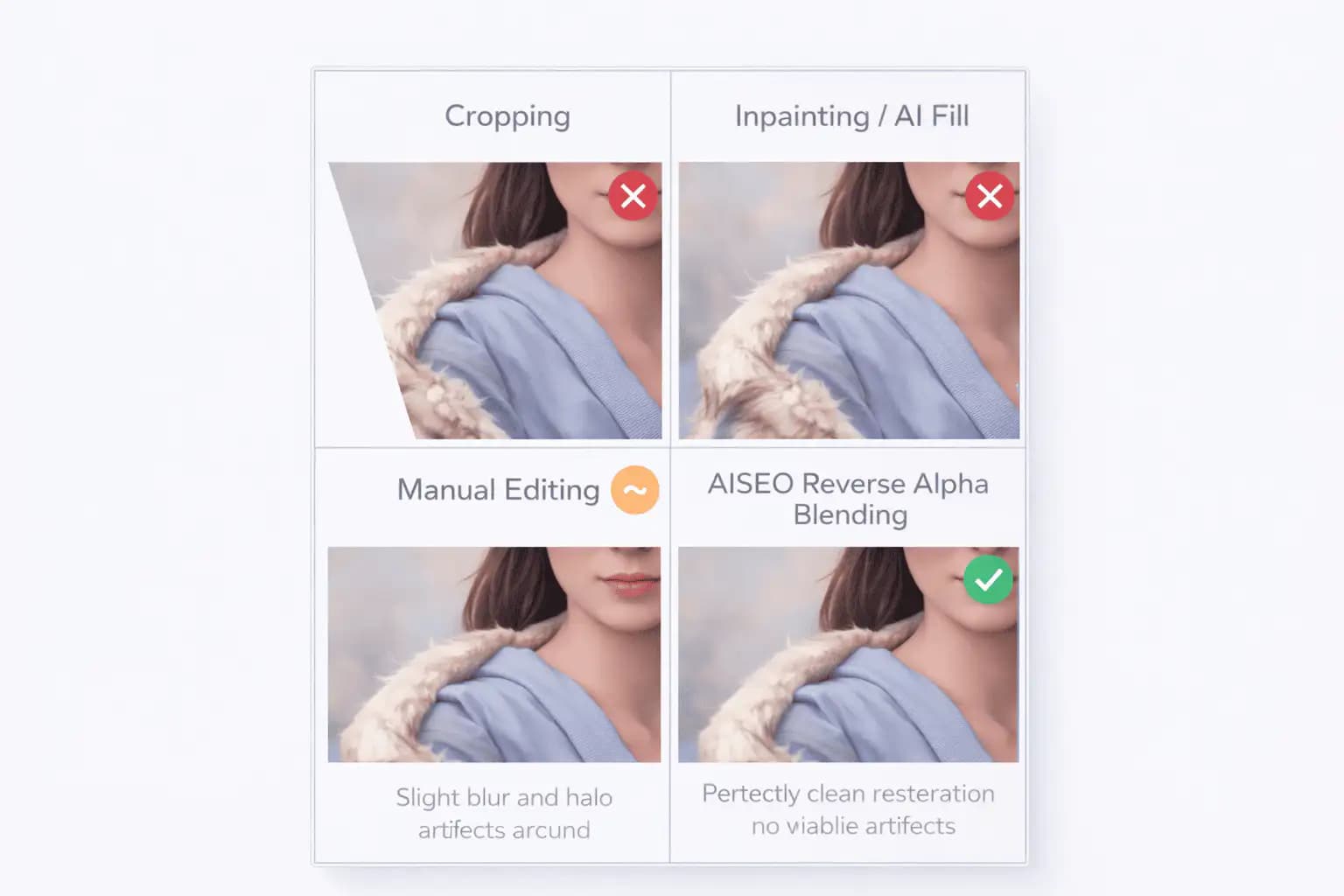
The tool is designed to keep visual quality as close as possible to your original. Dimensions, colors, contrast, and sharpness are preserved in normal cases. If an image is already heavily compressed or edited, you may see compression artifacts from earlier steps, not from the Gemini watermark remover itself.
Can I use this on images that were already edited or downloaded months ago?
Yes. You can run older or edited Gemini images through the tool, as long as they open normally in your browser. However, if earlier edits or heavy compression have already distorted internal patterns, results may be less consistent.
Is it legal for me to change or remove watermarks?
That depends on your country, your use case, and the terms of the original service. Watermarks and provenance systems are often used for transparency, copyright, and platform policy reasons. You should:
  • Read Google's Gemini terms of service
  • Check local laws and platform rules
  • Avoid using the tool to mislead others about content origin
AISEO provides this tool for research, testing, and educational workflows. You are responsible for using it in a lawful and ethical way.
Does using the Gemini watermark remover change my licensing or rights?
No. The tool only transforms the file's pixels. It does not grant you new rights, remove existing restrictions, or change Gemini's licensing. Any commercial or public use must still follow Google's terms and any platform-specific policies.
What browsers and devices are supported?
You can use:
  • Chrome
  • Firefox
  • Safari
  • Edge
on Windows, macOS, Linux, and modern mobile devices. Older browsers without full Canvas / File APIs may not work well with large images.
Can I use the tool offline?
Yes, in many cases. Once the page is fully loaded, processing happens locally. If your browser keeps the page cached, you can continue working with images even when your internet connection is unstable or temporarily offline.
Does this only work on Gemini images?
The tool is optimized for Gemini-style images that may use SynthID. However, you can upload other AI images (including Nano Banana outputs) and the Nano Banana watermark remover will run the same browser-side pipeline. How much that affects any specific model's hidden markers depends on how that model encodes them, which AISEO does not control or guarantee.